
Swipe
Photo & video cleanup for iPhone, by chotato.
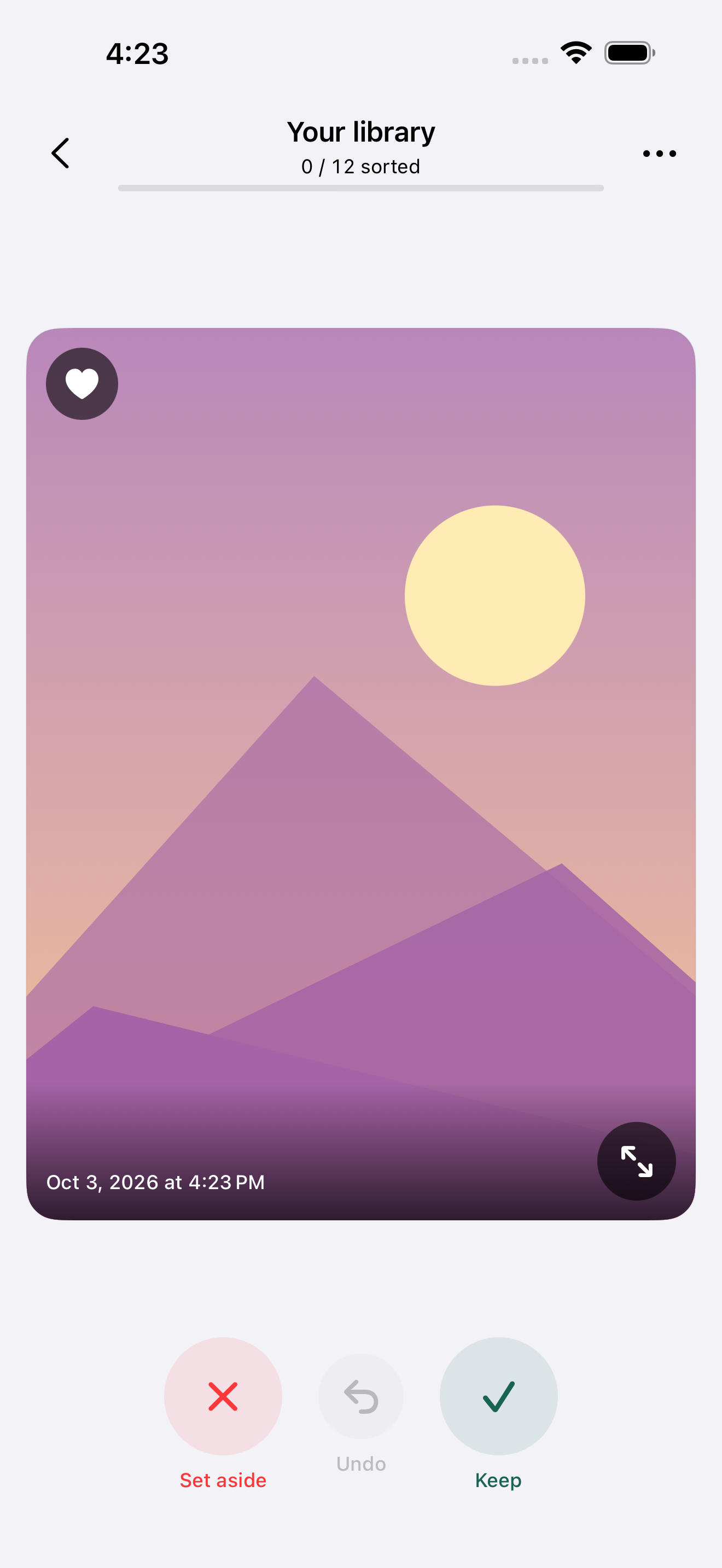
Swipe helps you sort through your photo library. Pick a month, look at each photo or video, and decide what to keep.
Coming to the App Store. Free at launch.
For iPhone with iOS 26 or later. The app supports 13 languages, including Japanese and English.

How it works
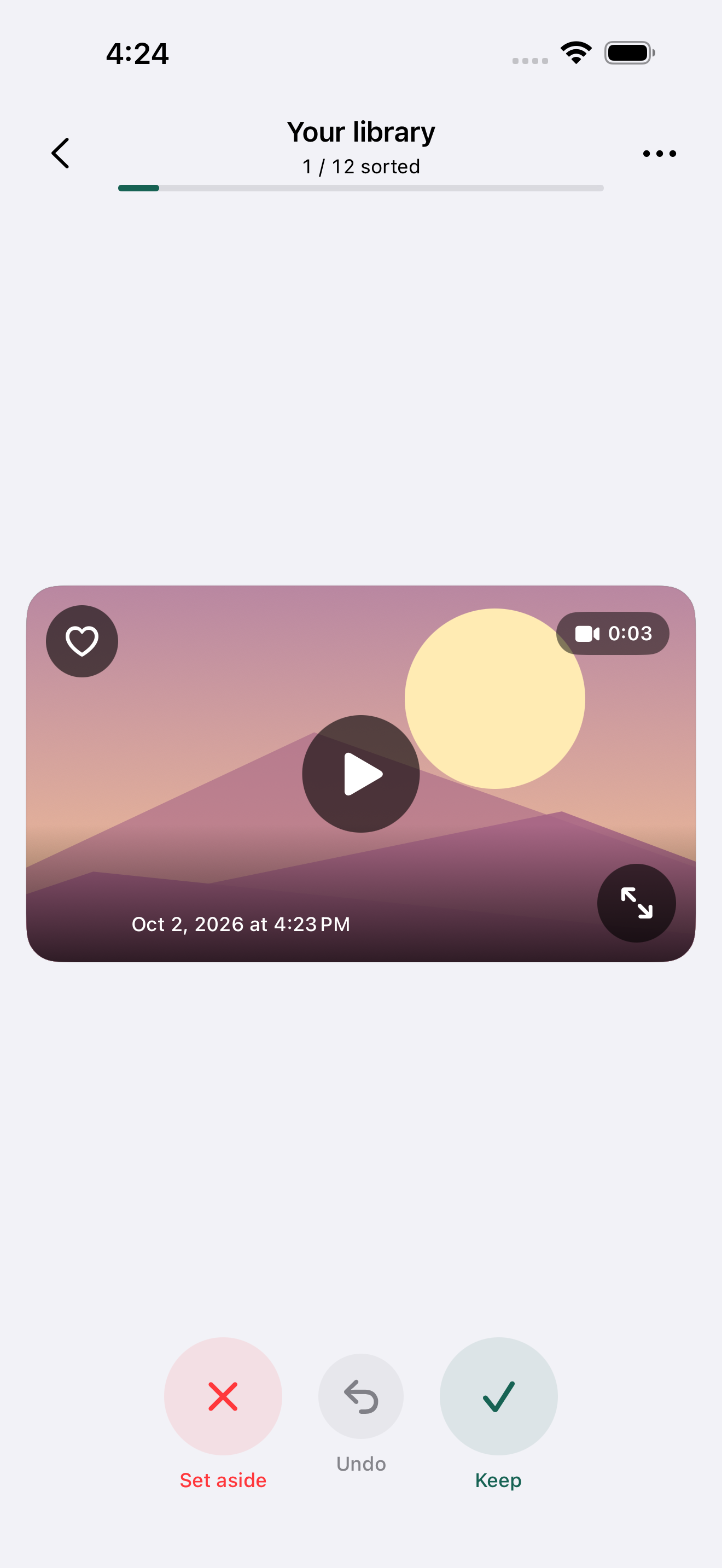
- Swipe right to keep an item, or left to set it aside. The buttons do the same thing.
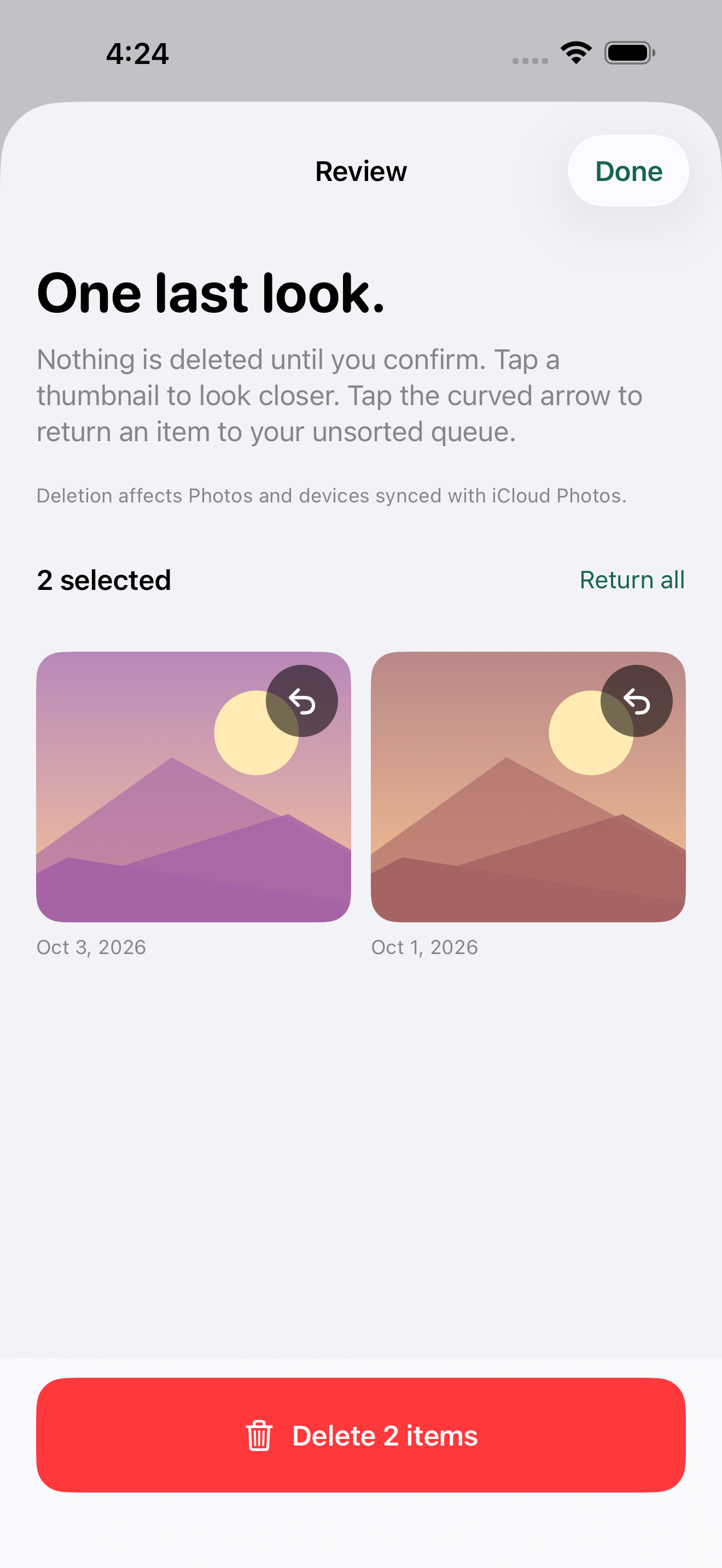
- Use Undo if you change your mind. You can also return items from Review to the unsorted queue.
- Open Review, check your selections, and confirm deletion when you’re ready. iOS may also ask you to confirm.
A swipe never deletes anything. Confirmed deletions affect your Photos library and devices synced with iCloud Photos. Items can normally be recovered from Recently Deleted for 30 days.
A few other things
- Zoom into photos, play videos, and preview Live Photos. Playback starts when you choose it.
- Favorite items in Apple Photos, or share them to another app. Live Photos share as still images.
- Your sorting progress stays on your device. Swipe has no server that receives your photos or videos. Apple may retrieve originals from iCloud; sharing sends a copy to the destination you choose.